How do I start tracking prices on a Shopify store?
 Enter the URL of the Shopify product page you want to monitor into Priscope’s tracking form. Once submitted, the tool will begin monitoring price changes and notify you accordingly.Learn More
What notifications will I receive from Priscope?
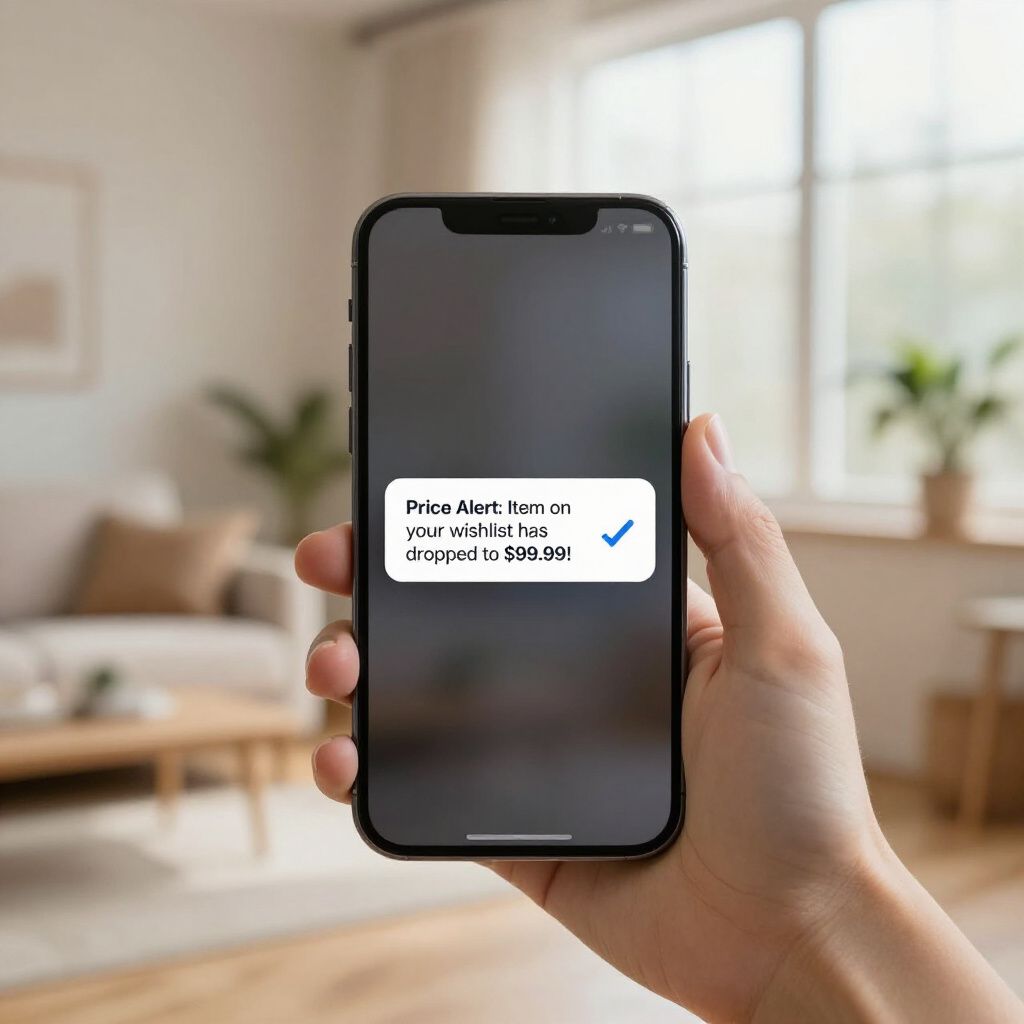 Priscope sends alerts when there are price changes on the tracked products, including price drops or increases, helping you stay updated on competitor pricing.View Details
What should I do if the price tracking is not updating?
 First, verify the URL is correct and points to a Shopify product page. If the issue persists, clear your browser cache or try re-adding the URL. Contact support if the problem continues.Get Support
